
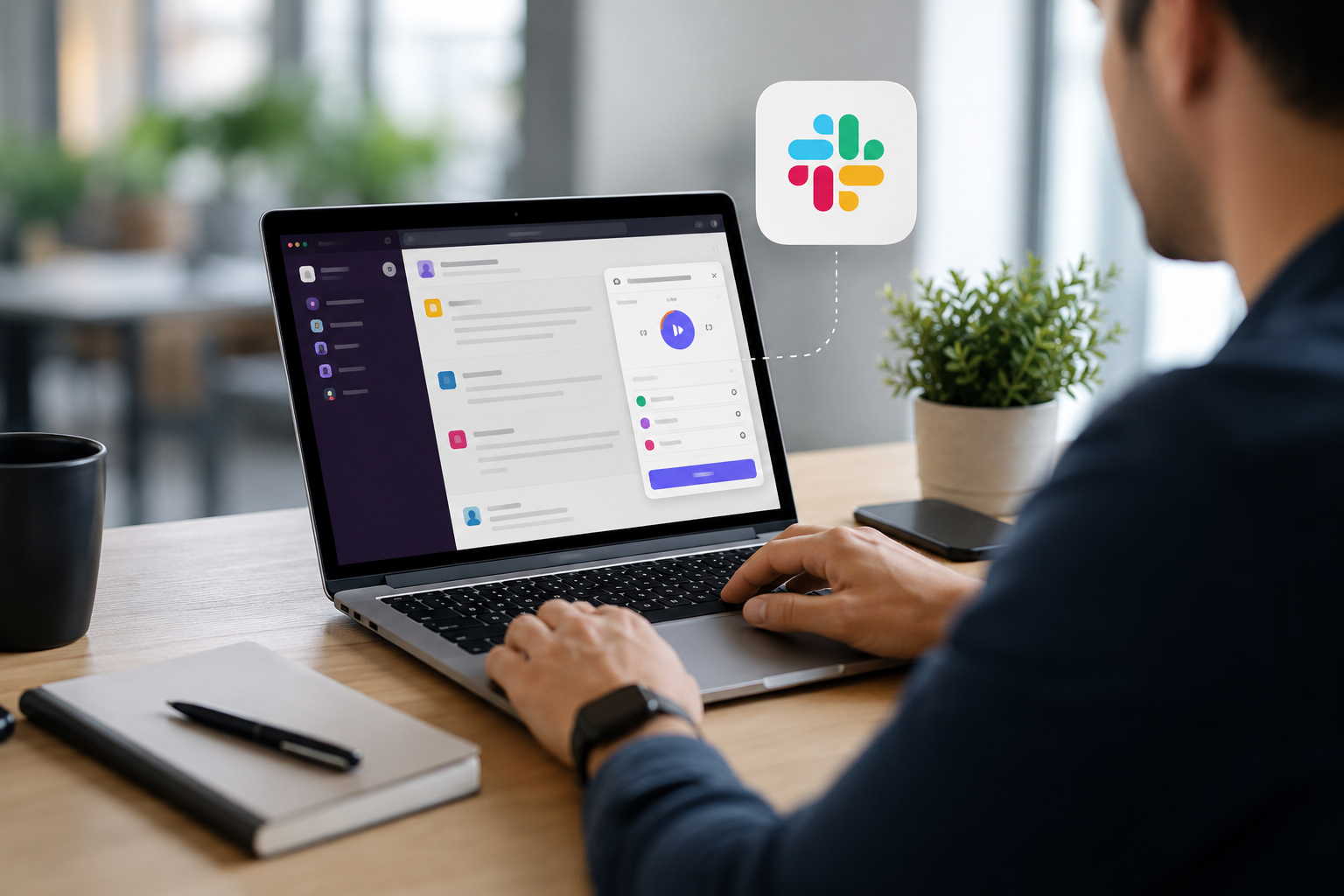
Slack has become the digital headquarters for millions of teams. Conversations happen there. Projects are discussed there. Decisions are made there. Files are shared there.
Yet when it comes to tracking time, many organizations still force employees to leave Slack, open another application, find the right project, start a timer, and remember to stop it later.
It’s a surprisingly inefficient process.
The more tools people have to jump between, the less likely they are to track their time accurately. Before long, timesheets become estimates instead of records, billable hours go unlogged, and managers lose visibility into where work actually happens.
Fortunately, there’s a better approach.
Modern Slack-native time tracking allows employees to record their work without interrupting their workflow—making time tracking faster, simpler, and far more accurate.
Why Track Time Inside Slack?
The biggest obstacle to accurate time tracking isn’t employee resistance.
It’s friction.
Every additional click creates another opportunity to forget.
Imagine your typical workday.
You receive a message in Slack.
You answer a customer question.
Review a pull request.
Join a quick huddle.
Help a colleague.
Switch to another project.
If every one of those tasks requires opening separate software to log your time, most people simply won’t do it consistently.
By bringing time tracking directly into Slack, the process becomes part of the natural workflow instead of another administrative chore.
The Problems With Traditional Time Tracking
Many companies invest in powerful time tracking software, only to discover that employees rarely keep it updated.
Common issues include:
- Forgetting to start or stop timers
- Reconstructing the day’s work from memory
- Switching between multiple applications
- Spending unnecessary time completing timesheets
- Missing billable work
- Inaccurate project reporting
These problems don’t just affect payroll.
They impact project planning, resource allocation, forecasting, and client billing.
Without accurate time data, every management decision becomes less reliable.
Benefits of Tracking Time in Slack
Less Context Switching
Every time employees leave Slack to log work elsewhere, they interrupt their own concentration.
Tracking time where conversations already happen eliminates unnecessary switching between tools.
Higher Adoption
The easier time tracking becomes, the more consistently people use it.
Employees are much more likely to log work when it’s available in the application they’re already using throughout the day.
More Accurate Timesheets
Recording time immediately after completing work produces significantly more accurate data than trying to remember everything at the end of the week.
Instead of guessing how long a task took, employees record it while it’s still fresh.
Better Project Visibility
Managers gain a clearer understanding of:
- How long projects actually take
- Which tasks consume the most time
- Team capacity
- Resource allocation
- Workload distribution
This makes future planning far more accurate.
Easier Billing
For agencies, consultants, freelancers, and client-facing teams, accurate time tracking means fewer lost billable hours and more reliable invoices.
What Makes a Good Slack Time Tracking App?
Not every Slack integration offers the same experience.
When evaluating a Slack time tracker, look for features such as:
Quick Time Entries
Employees should be able to log work in seconds—not minutes.
Project Organization
Time entries should be linked to projects, clients, departments, or tasks.
Reports
Managers need clear reporting that answers questions like:
- Where is time being spent?
- Which projects exceed estimates?
- Which employees are overloaded?
- Which clients consume the most resources?
Reminders
Gentle reminders help employees remember to submit missing entries without creating unnecessary administrative work.
Simple User Experience
If employees need training just to track time, adoption will suffer.
The best tools are intuitive enough that people begin using them immediately.
Best Practices for Time Tracking in Slack
Track Work Throughout the Day
Waiting until Friday afternoon to complete a timesheet almost guarantees inaccurate data.
Small entries made throughout the day produce much better reports.
Track Outcomes, Not Just Hours
Time tracking shouldn’t become surveillance.
Instead, it should help teams understand:
- project effort
- delivery timelines
- workload balance
- resource planning
The goal is better decision-making—not monitoring every minute.
Keep Categories Consistent
Create standardized project names and activity categories so reports remain meaningful over time.
Review Reports Regularly
Time tracking only becomes valuable when organizations use the data to improve planning and productivity.
Regular reporting can reveal:
- recurring bottlenecks
- underestimated projects
- overloaded employees
- inefficient workflows
Common Mistakes to Avoid
Tracking Everything
Not every five-minute conversation needs a separate time entry.
Focus on meaningful work that contributes to projects or operational activities.
Using Time Tracking as Employee Surveillance
Employees quickly lose trust when time tracking is used solely to monitor performance.
Instead, position it as a planning and visibility tool that benefits both managers and employees.
Choosing a Tool That’s Too Complicated
The most feature-rich platform isn’t always the best.
Ease of use often matters more than dozens of advanced settings that few people actually use.
How Time Bot for Slack Simplifies Time Tracking
For teams already working in Slack, Time Bot for Slack removes much of the friction associated with traditional time tracking.
Instead of asking employees to switch between multiple platforms, Time Bot allows them to log time directly where work conversations already happen.
Teams can:
- Track time without leaving Slack
- Organize entries by project or activity
- Generate detailed reports
- Improve visibility into team workload
- Reduce manual timesheet administration
- Better understand where work hours are actually spent
Because the entire process happens inside Slack, adoption tends to be much higher than with standalone time tracking systems.
Employees spend less time managing timesheets and more time doing meaningful work.
Final Thoughts
Time tracking shouldn’t interrupt productivity—it should support it.
The best time tracking system is the one people actually use consistently. For organizations that rely on Slack every day, keeping time tracking inside the same workspace reduces friction, improves reporting accuracy, and gives managers better visibility into how projects are progressing.
If your team already collaborates in Slack, there’s little reason to force employees into a separate application just to record their work. A Slack-native solution like Time Bot for Slack helps turn time tracking into a seamless part of the workday, making it easier to capture accurate data without disrupting the flow of work.

 The Most Expensive Lie in Business: It'll Only Take Five Minutes